

I’m making some improvements to the 48 States Flash Fiction Quest. When I started, I threw together a graphic for the post. I know it sounds silly, but I wasn’t really thinking about where it was going to go. Since the whole thing was new, I wasn’t sure how I wanted to use it or what style of photo I wanted to include in the post.
Now that I’m five states into this quest, I have a better idea of what I want things to look like. And since the goal was to share the experience, I thought it would be fun to create a graphic that anyone can use. This blog post will be a simple guide for customizing the template.
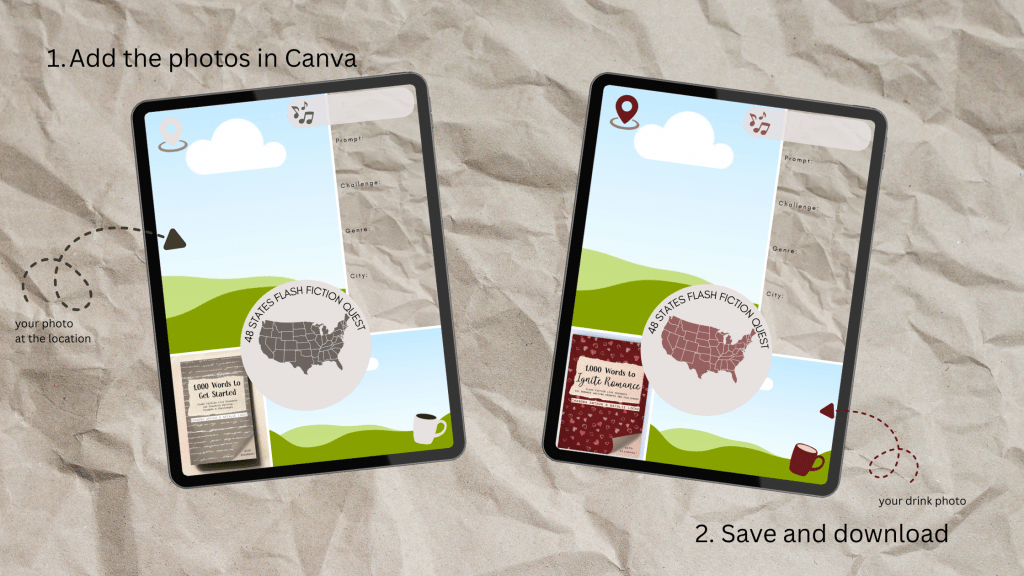
If you are going on this quest with 1,000 Words to Get Started use this template. Or if you are using 1,000 Words to Ignite Romance use this one. The links will take you to a Canva template. I’ve also created a graphic of how the templates work, but you can add a lot more to them both in Canva and once you’ve uploaded them as a post. Use graphics, emotes, or animated stickers–depending on the platform.
Here’s an example of the updated graphic and how I’ll be using it.

How To:
- Add the photos in Canva
- Save and download the template
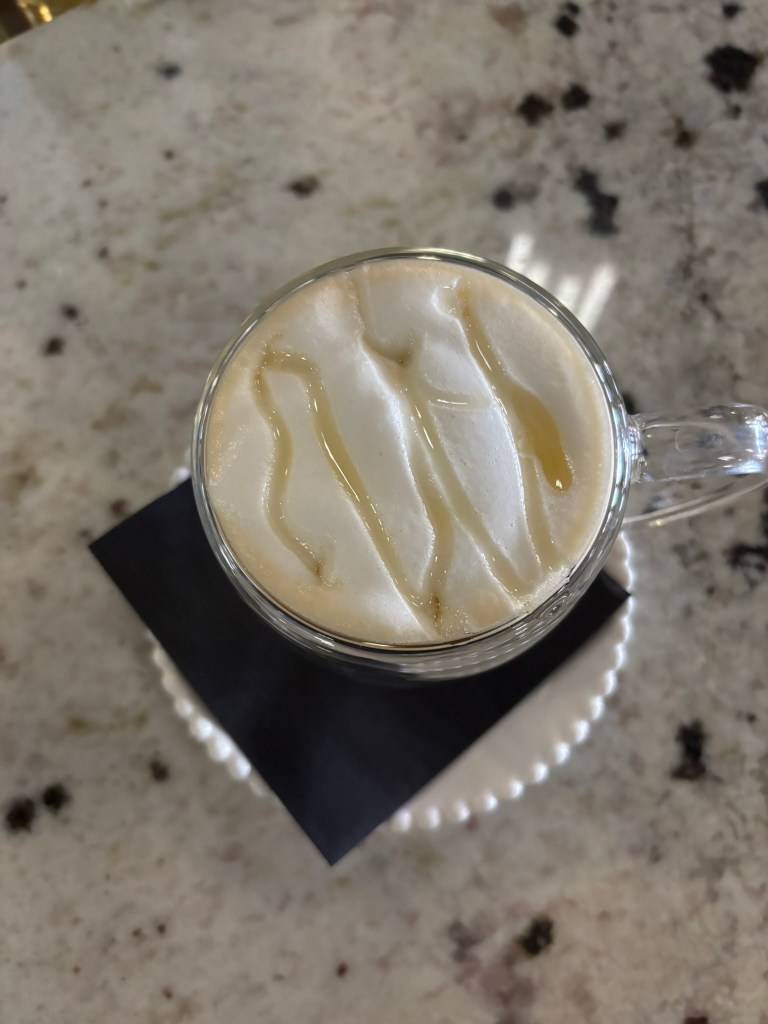
Here’s the style of location photo I’m using and a photo of my drink order.

Once you’ve downloaded your updated template…
- Upload the template to the social media app where you’re posting
- Add text layers to fill in the blanks blanks
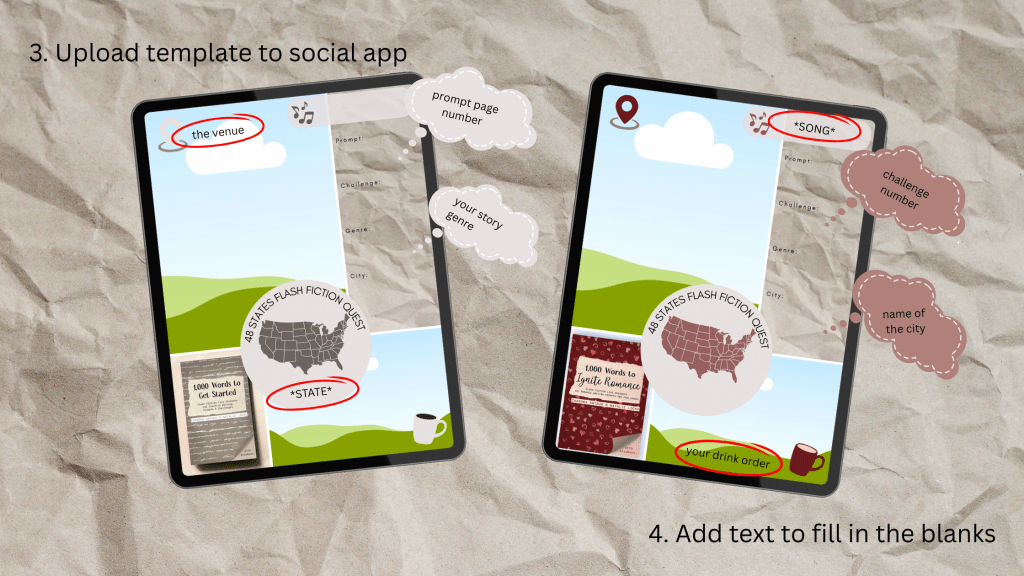
I’ve also been adding the song I was listening to while I wrote as the sound for the post. If you like, you can also tag the venue you visited if you like. And don’t forget to add #1000wordsprompt
Happy Questing!
You can find me on socials linked below.
 Chandra Arthur
Leave a comment